Gaming Setup Fit Finder
- PC gaming fits players who value performance tuning, broad libraries, mods, and flexible hardware.
- Console gaming fits players who want simplicity, living-room play, exclusives, and predictable setup.
- Cloud gaming fits players who want low-hardware access, but it depends heavily on internet quality, catalog support, and subscription rules.
- The best setup depends on budget, tolerance for maintenance, social circles, and the kinds of games you actually play.
PC, console, and cloud gaming each fit a different player profile. PC is best for flexibility and performance control, console is best for easy living-room play, and cloud gaming is best when access matters more than owning powerful hardware.
Choose around friction, not platform loyalty
Platform debates often sound tribal, but most players are really choosing a friction level. A PC can be powerful and customizable, but it asks you to manage hardware, settings, drivers, storefronts, and upgrades. A console narrows choices so you can sit down and play. Cloud gaming removes much of the hardware problem but adds dependence on connection quality, server availability, catalog rules, and input latency.
The Entertainment Software Association’s 2025 Essential Facts report frames games as a mainstream entertainment habit across ages, which makes one-size-fits-all setup advice less useful. A family sharing a TV, a competitive shooter player, a strategy fan, and a traveler may need very different setups.
If your setup decision is partly about how much culture you want algorithms to feed you, this guide to following pop culture intentionally can help you build better discovery habits beyond game storefront recommendations.
The platform comparison in plain terms
| Setup | Best for | Main caution |
|---|---|---|
| PC | High frame rates, mods, strategy games, indie depth, flexible stores | Hardware cost, troubleshooting, upgrades, compatibility |
| Console | Simple setup, couch play, exclusives, physical or digital libraries | Less customization, subscription fees, platform lock-in |
| Cloud | Low-hardware access, travel, testing games, casual play on many screens | Latency, internet requirements, catalog limits, service changes |
The right answer can be blended. Some people keep a console for living-room multiplayer and use a PC for strategy, mods, or high-performance games. Others use cloud gaming as a trial layer before buying hardware. A setup is successful when it reduces barriers to the games you care about, not when it wins an online argument.
PC gaming favors control and range
PC gaming is strongest for players who want options: graphics settings, frame-rate targets, ultrawide monitors, keyboard-and-mouse control, mods, early access games, old libraries, multiple storefronts, and hardware upgrades. It is especially strong for genres such as strategy, simulation, competitive shooters, MMOs, mod-heavy RPGs, and indie releases.
The cost is not just the tower or laptop. It includes monitor, peripherals, storage, maintenance, and occasional upgrades. PC players also need patience for settings, launchers, patches, and compatibility quirks. If you enjoy tuning, that can be part of the hobby. If you hate troubleshooting, it can drain the fun.
Console gaming is designed for the living room
Consoles are strong because they reduce decisions. You buy the box, connect it, download updates, and play games built for that hardware range. That simplicity matters for families, shared spaces, local multiplayer, sports games, party games, and players who want fewer technical decisions after work.
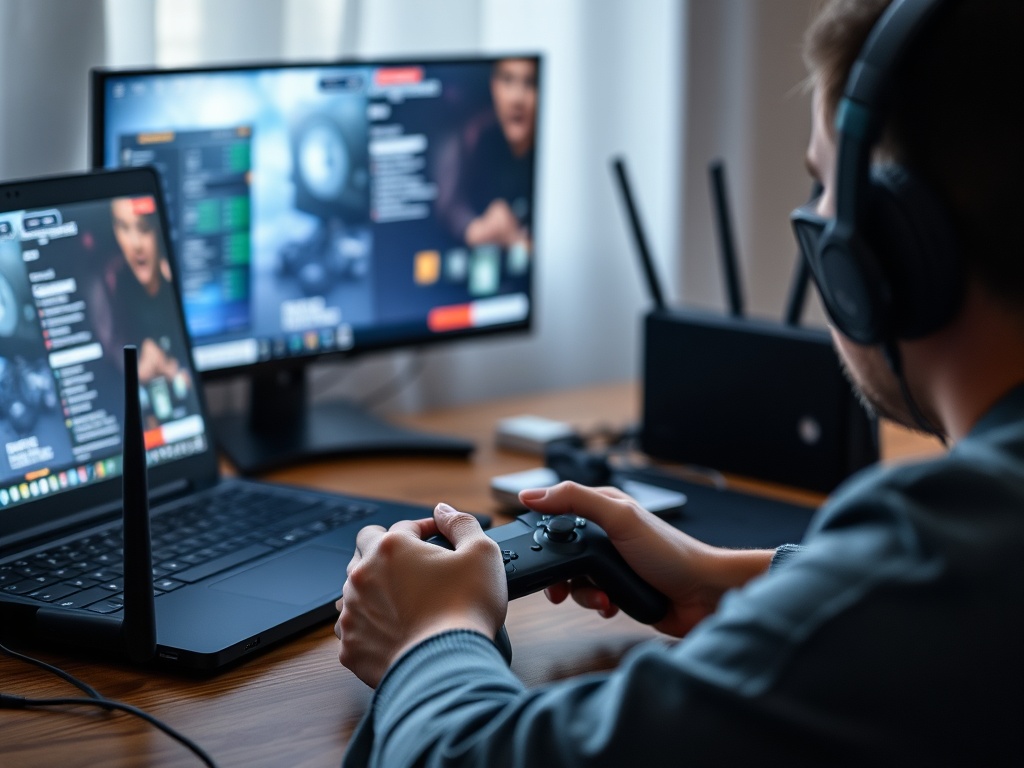
The trade-off is ecosystem commitment. You may pay for online services, buy platform-specific accessories, and build a library that is tied to one account family. Performance options exist on modern consoles, but they are narrower than PC. For media buyers weighing convenience against ownership, this music format guide offers a useful comparison point.
Cloud gaming is access with conditions
Cloud gaming can feel liberating because it lets supported games run on devices that are not traditional gaming hardware. Microsoft’s Xbox Cloud Gaming page emphasizes playing across compatible phones, tablets, TVs, and more, while PlayStation’s cloud streaming support page lists membership and broadband requirements for supported streaming.
The catch is that cloud gaming is not magic. Fast internet is not the same as stable low-latency internet. Wi-Fi congestion, distance from servers, data caps, controller support, and catalog changes all affect the experience. It is great for testing, travel, and casual sessions, but less ideal for competitive play or games where timing is critical.
Budget should include subscriptions and accessories
A console may look cheaper than a PC upfront, but controllers, storage expansion, online services, and game prices matter. A PC may cost more upfront but can offer cheaper sales, free multiplayer in many cases, and non-gaming utility. Cloud gaming may avoid a hardware purchase, but subscriptions add up and access can vanish if the service, catalog, or region changes.
Social circle matters too. If your friends are on one platform and the game lacks cross-play, the technically best setup may be socially wrong. Before buying, list your top five games and the people you want to play with. That list is more useful than a spec sheet.
Comfort and Accessibility Deserve Equal Weight
A setup that performs well but hurts to use is the wrong setup. Consider controller shape, keyboard reach, screen distance, text size, subtitle options, color settings, seated posture, and how easily another person can join. Consoles may simplify shared play, PCs may offer more input customization, and cloud setups may let you play where a large screen is not available. The best platform supports your body and household as well as your favorite game genres.
Storage is another practical constraint. Modern games can be large, updates can arrive often, and slow downloads can turn a free evening into maintenance time. Budget for storage and internet reliability the same way you budget for controllers or graphics cards.
Build Around the Games You Actually Play
Choose PC for control, mods, performance, and a deep library. Choose console for simple couch play and predictable setup. Choose cloud for low-hardware access and flexible screens, as long as your internet and catalog needs fit. The red flag is buying for a fantasy version of yourself rather than your actual play habits.
Test before committing when possible. Try cloud gaming on your network, borrow a console, or price a full PC setup including monitor and peripherals. The right setup is the one that gets you playing with less friction and fewer regrets.